practical guide
How to Run a Same Week Hygiene Gap Fill in a Small Practice
A step by step routine for turning tomorrow's two open hygiene slots into seated patients, from pulling the overdue list before the first appointment to confirming the last seat by mid afternoon.

What Counts as a Gap: Same Day, Same Week, and Short Notice
Every dental practice faces schedule gaps: open slots that arise from cancellations, last-minute reschedules, or unbooked time. For a small office, even a single open hygiene spot in a week can mean lost production that is hard to make up. The most urgent gaps are same-day openings, but many practices also need to fill same-week hygiene slots that didn't fill during regular re-care scheduling. For this guide, "gap" means any hygienist chair time in the next one to four days that is still empty by the start of today.
Short notice is relative. In a one to three chair practice, an unexpected opening tomorrow or the day after is hard to fill with routine recall. Most patients do not expect to get in for a cleaning on just a day or two's notice, so your outreach needs to be proactive and fast. Same-week gaps can be filled, but only with a disciplined routine for identifying, sorting, and contacting the right overdue patients.
Keep reading: D1110, D4346, and D4910: Which Hygiene Code Fits Which Patient
Pulling the Overdue List Before the First Patient Arrives
The first step to same week gap filling starts before the morning huddle. When the office is quiet, run the overdue hygiene recall list for your practice management software. This is the master list of patients who have not scheduled their regular cleaning or exam, but are still active with your office.
Set the recall date filter to include anyone overdue by at least a month, but not more than two years. Most systems allow you to sort or export this list by last appointment, recall due date, and contact details. Print or save it digitally, but check that you have both mobile numbers and benefit details where possible. This list is the foundation for a productive fill-in campaign.
Before you start contacting anyone, review the open hygiene slots for today through the next three days. Mark down the exact times, provider, and any blocked-out PTO or doctor's time. Knowing exactly what you need to fill helps focus your effort and cut wasted calls.
Sorting by Drive Time, Benefit Status, and Preferred Hour
Not all overdue patients are equally likely to come in on short notice. Sort your list using three practical filters. First, look at zip code or address. Patients living or working within a ten to fifteen minute drive are much more likely to say yes for a next-day appointment. Cross-check your list for these patients first.
Next, check active benefit status when possible. Many patients delay hygiene until benefits reset or when they know insurance will cover it. Patients with unused benefits this calendar year are more motivated to accept a last-minute cleaning. Most practice management software lets you see benefit year status or last claim filed.
Finally, note patient's preferred times from past visits or chart notes. Some patients always ask for early morning, lunch hour, or late afternoon. Match the open slot to the likely preference. If you have a prime 8:00 am or 4:00 pm spot, contact patients who have accepted those times before.
Making a Short List
After filtering, you will have a short list of overdue patients with local addresses, active benefits, and a likelihood to accept the specific open times. Mark them as your first round contacts. A smaller, better-matched list increases the chance you fill the gap without flooding your entire patient base with short notice messages.
Keep reading: Seven Recall Mistakes That Keep Overdue Patients Off the Books
Writing the First Text So It Sounds Like the Office
Your first outreach sets the tone. A text message for a last-minute slot should sound like it comes from your own front desk, not a script. Use the patient's first name, mention the hygienist if possible, and be clear that the opening is soon and limited.
For example: "Hi Maria, this is Amy at Dr. Carter's office. We have an opening for a cleaning tomorrow at 2:30. Would you like it? Just reply YES and I'll save your spot." Keep it friendly and simple. Mention that this is a rare short notice spot, but avoid pressure. If they cannot make it, ask if they want to be on a short notice list for future openings.
Avoid generic blasts. Personalized texts have a much higher response rate. Patients recognize the office style and trust a real message more than a mass notification. If you use a texting platform, make sure replies go to a staff member who can answer quickly.
Who Texts, Who Calls, and What Time the Front Desk Stops
Decide who on your team handles the outreach. In most small practices, the front desk handles both texting and calling, but the person should be someone who knows the patients and can answer basic questions. Try to send the first SMS before 9:00 am, so patients have time to check their schedule.
Texting comes first because it is less disruptive for the patient and gives them time to reply. After 45 to 60 minutes without a response, call the next patient on the short list. Leave a voicemail only if you know the patient prefers it, otherwise move to the next contact. This keeps momentum and avoids wasted time.
Do not keep calling or texting after 4:00 pm for a next-day morning slot. Most patients cannot rearrange their schedule with less than half a day's notice, and late-day calls feel intrusive. For afternoon slots, stop calling by lunch. If no one confirms by then, move to a fallback plan, such as offering the spot to a waiting list or blocking out for admin work.
See how ChairGap handles this for dental practices
Holding the Slot Without Double Booking the Column
When a patient replies yes to a same week gap fill, you need to act fast. Reserve the slot in your schedule while confirming insurance and any medical updates. Mark it as "tentative" or "pending confirmation" in your software if your workflow allows, but do not double book the hygiene column.
Double booking can lead to awkward conversations and rushed care. Instead, hold the spot for a set period, such as thirty minutes from the first "YES" reply. If the patient does not answer a follow-up or misses an intake step, release the slot to the next patient on your list.
Communicate clearly with all staff. If the office uses a shared calendar or daily sheet, flag the slot as "gap fill pending" so the team knows not to offer it by accident. This prevents confusion and keeps everyone on track.
Logging Every Outcome So Next Week Takes Half the Time
Every gap fill attempt is a learning opportunity. Log who you contacted, how (text or call), the time, and the outcome. Did the patient confirm, decline, not respond, or ask to be contacted another time? Keep these notes in a shared spreadsheet, your practice management system, or a recall logbook.
Tracking outcomes helps you avoid duplicate calls, saves time for the next gap fill, and builds a record of which patients are most likely to accept on short notice. Over time, you will see patterns: some patients always say yes to a quick cleaning, others never answer, and some need more notice. Use this data to refine your first contact list each week.
If you use SMS, log opt-outs to avoid compliance issues. Respect "stop" or "no more texts" requests promptly. A tidy log also streamlines next week's efforts, letting you reach the best candidates faster and avoid starting from scratch each time.
Many small offices find that a dedicated tool with a built-in overdue list and one-tap SMS reactivation, like ChairGap, can automate much of this process. This frees up staff time and helps fill schedule gaps efficiently, even when the front desk is busy with patients in the office.
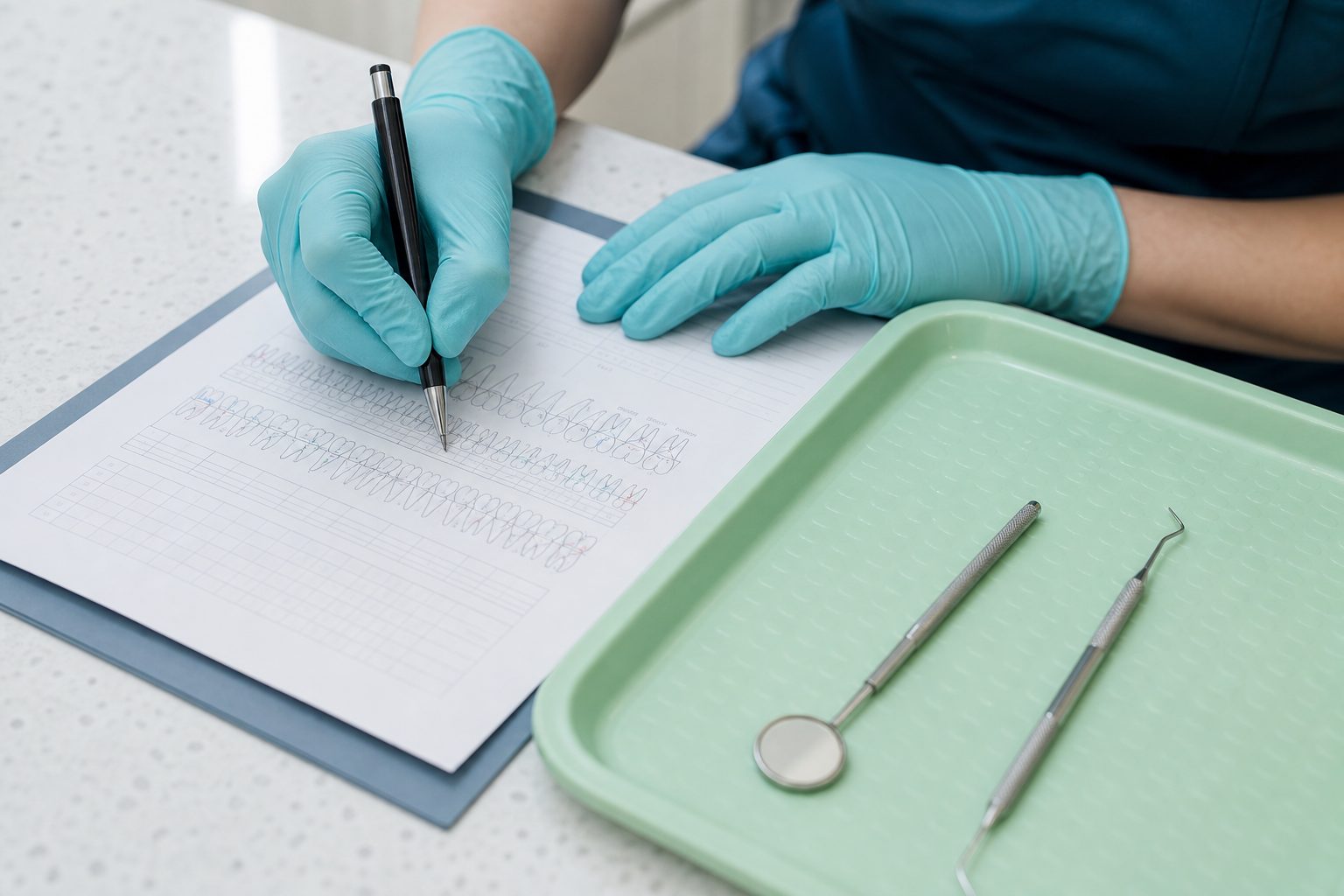
D1110, D4346, and D4910: Which Hygiene Code Fits Which Patient
Three hygiene codes, three different patients. Here is what each one requires in the chart, how plans treat frequency, and how the code you choose sets the recall interval you will schedule.
Seven Recall Mistakes That Keep Overdue Patients Off the Books
Most hygiene recall systems fail in the same seven places: the list, the reset rules, the ask, the channel, the wording, the cleanup, and the person who owns it after five o'clock.
Texting Patients About Overdue Cleanings: HIPAA and TCPA Rules
Two separate rulebooks govern a recall text: HIPAA decides what the message may say, and the TCPA decides whether you may send it at all. Here is what each one requires of a dental office.